Create a Cinematic Birthday Video Gift

Turn memories into a movie with our AI image animation app.

Create an emotional birthday video gift from photos using cinematic storytelling, AI-generated scenes, realistic photo animation, and free soundtrack music — all without video editing skills.

Our platform helps you:

  • Animate photos with AI
  • Turn images into cinematic video scenes
  • Create emotional birthday movies from family photos
  • Generate movie-style storytelling automatically
  • Assemble animated clips into a complete birthday presentation

Whether you want a heartfelt tribute, a funny birthday surprise, or an elegant cinematic memory film, our AI movie maker from photos helps you create unforgettable videos in minutes.

Why an AI Birthday Movie Makes the Perfect Gift

A personalized birthday movie is more meaningful than a traditional gift. Instead of giving something temporary, you create a memory that can be watched and shared for years.

Using our AI photo animation generator, you can

  • Bring old photos to life
  • Create cinematic family videos
  • Animate memories with AI
  • Build emotional storytelling sequences
  • Generate realistic movie scenes from pictures

Perfect for

  • Parents
  • Grandparents
  • Husband or wife
  • Boyfriend or girlfriend
  • Children
  • Best friends
  • Milestone birthdays
  • Surprise birthday celebrations

Step 1 — Prepare Your Photos

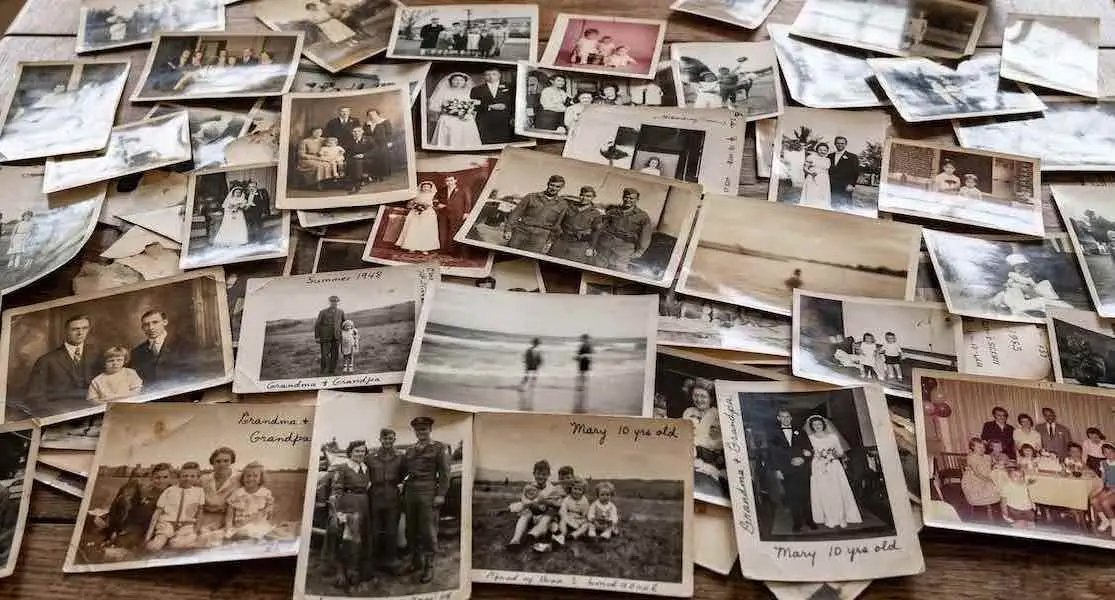
A collage of dozens of vintage black and white family photographs scattered on a table, symbolizing the bulk image upload feature for AI heritage video creation.
Best Types of Photos:
  • Childhood memories
  • Family gatherings
  • Travel adventures
  • Funny candid moments
  • Romantic photos
  • Celebration pictures
  • Old nostalgic images
  • Milestone life events
For the best results:
  • Use high-resolution images
  • Avoid blurry screenshots
  • Include different emotions and time periods
  • Mix portraits with wider shots
  • Choose expressive facial photos

Why It Matters

A strong collection of images helps the AI create more realistic cinematic sequences and emotional storytelling.
Step 2 — Enhance Old or Low-Quality Photos

Many important memories exist only in faded or damaged pictures. Before using an AI image to video generator, it helps to improve image quality first


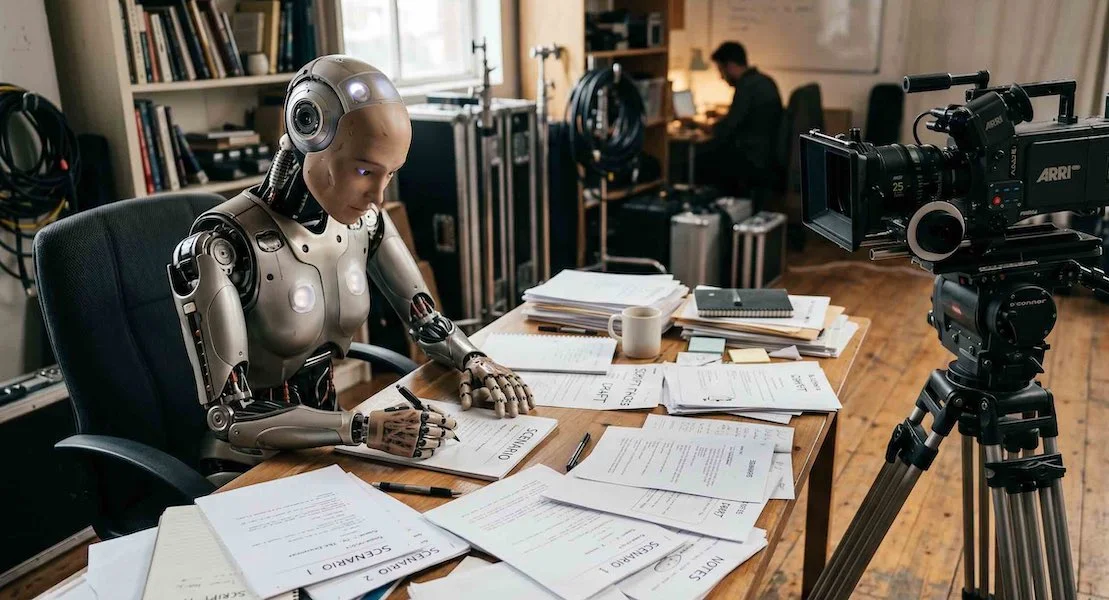
A humanoid AI robot sitting at a desk and writing a film scenario in a production studio. Represents Vivified's AI scenario generation tool for cinematic videos.

Common Problems:
  • Blurry faces
  • Scratches
  • Low resolution
  • Faded colors
  • Grainy scans
  • Poor lighting
Ways to Improve Photos
  • Use AI photo enhancement tools
  • AI upscaling
  • Face restoration
  • Color correction
  • Scratch removal

Helpful Tip

1. Scanning printed photos at high resolution before enhancement can dramatically improve the final movie quality.

2. Add this photo improving text at the beginning of your animation prompt: 'Restore this vintage photo. Remove all scratches, dust, and grain. Enhance the overall clarity, sharpen facial features, and improve the contrast while preserving the original character of the image.''

Step 3 — Choose the Right Story & Mood

Our AI video maker allows you to create different cinematic scenarios for birthday celebration.
You can:
  • Write your own scene prompts
  • Use AI scenario generation
  • Create movie scenes from photos and prompts

🎉 Fun & Energetic Birthday Video

This style works great for a birthday video gift focused on excitement and fun.
Perfect for
  • Friends
  • Teenagers
  • Young adults
  • Party celebrations
AI Scenes
  • Dancing at a party
  • Beach celebrations
  • Concert atmosphere
  • Travel adventures
  • Colorful birthday moments
  • Confetti and laughter
Best Music Choices
  • Upbeat pop
  • Dance music
  • Summer vibes
  • Funky instrumentals
  • Happy acoustic music

❤️ Emotional & Heartfelt Birthday Movie

This is one of the most popular styles for users searching to create emotional videos from photos or turn memories into movies.
Perfect for
  • Parents
  • Grandparents
  • Long-term partners
  • Milestone birthdays
AI Scenes
  • Family hugs
  • Warm sunset lighting
  • Nostalgic childhood memories
  • Slow cinematic camera movement
  • Emotional family gatherings
  • Memory flashbacks
Best Music Choices
  • Soft piano
  • Emotional orchestral music
  • Acoustic guitar
  • Sentimental cinematic soundtrack
  • Gentle instrumental music

😂 Funny & Playful Birthday Presentation

A playful style creates highly shareable social videos and memorable birthday presentations.
Perfect for
  • Siblings
  • Best friends
  • Casual birthday surprises
AI Scenes
  • Funny expressions
  • Meme-inspired moments
  • Playful animations
  • Comedy-style storytelling
  • Embarrassing childhood photos
Best Music Choices
  • Funky beats
  • Retro pop
  • Comedy soundtracks
  • Quirky instrumentals

👑 Elegant Cinematic Birthday Tribute

Perfect for
  • 50th birthdays
  • 60th birthdays
  • Retirement celebrations
  • Luxury-style family presentations
AI Scenes
  • Golden cinematic lighting
  • Slow motion effects
  • Elegant transitions
  • Movie trailer atmosphere
  • Emotional storytelling sequences
Best Music Choices
  • Epic orchestral soundtrack
  • Inspirational cinematic music
  • Piano and strings
  • Emotional film score

Step 4 — Animate Photos with AI

Our AI video generator from photos transforms static pictures into cinematic moving scenes.
You can
  • Animate family photos
  • Generate movie scenes from images
  • Create emotional AI videos
  • Build prompt-based cinematic stories
  • Assemble animated clips automatically
Example prompts:
  • “Walking together on a beach at sunset”
  • “Family birthday dinner with warm cinematic lighting”
  • “Nostalgic childhood memory scene”
  • “Elegant birthday celebration"

The AI automatically creates realistic movement, atmosphere, and storytelling from your images.

Step 5 — Assemble Movie and Add the Perfect Soundtrack

Music transforms a simple video into an emotional cinematic experience.
Our platform includes free soundtrack options to match different moods.
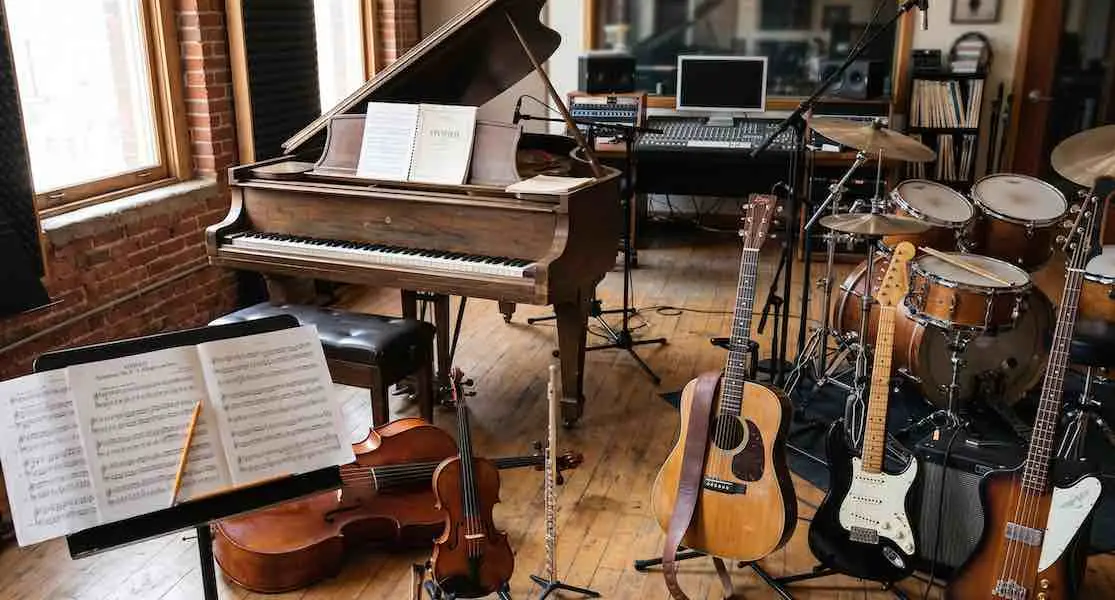
A professional recording studio filled with instruments including a grand piano, guitars, cellos, and a drum kit, representing Vivified's free cinematic soundtrack library.

Recommended Music
  • Emotional - Piano, strings, cinematic ambient
  • Happy - Upbeat pop, acoustic, dance
  • Elegant - Orchestral soundtrack, film score
  • Funny - Funky instrumentals, retro beats
  • Nostalgic - Soft acoustic, gentle ambient

Music Tips

- Use instrumental tracks for cinematic storytelling.
- Avoid overpowering vocals during emotional scenes
- The right soundtrack helps create a truly immersive AI memory movie maker experience.


With our AI cinematic video maker, you can:

⚡ Bring old photos to life
🎬 Create movie-style birthday presentations
🤖 Animate memories with AI
📺 Build personalized birthday movies from photos

Create a Birthday Gift They’ll Never Forget

Create a cinematic birthday gift filled with emotion, nostalgia, laughter, and unforgettable memories.
No professional editing skills required.

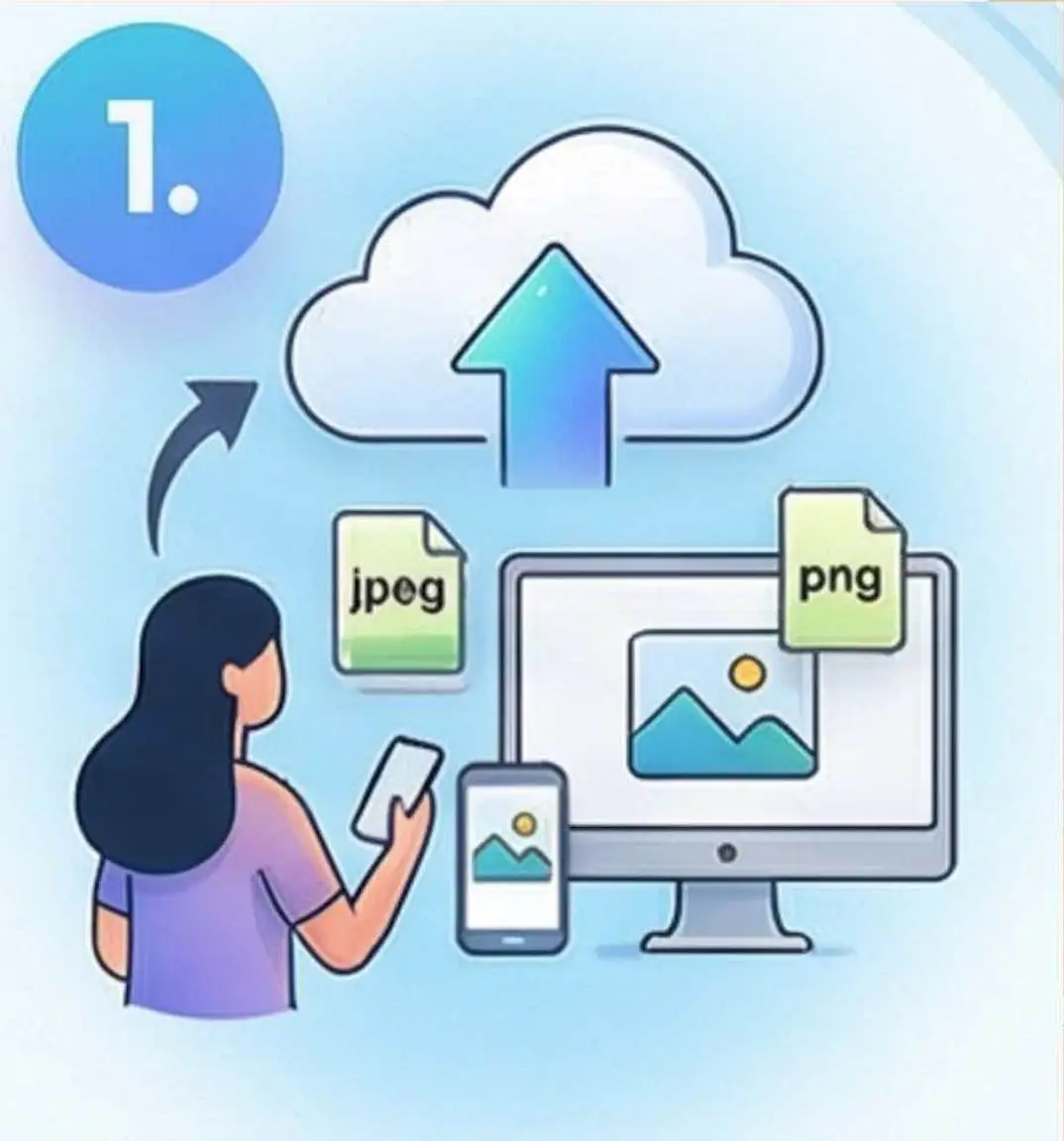
Upload photos

Illustration of Step 1 in the Vivified AI video process: Uploading JPEG and PNG photos from a computer, tablet, or smartphone to the cloud for AI animation.

Start by uploading photos and images to build your visual assets.

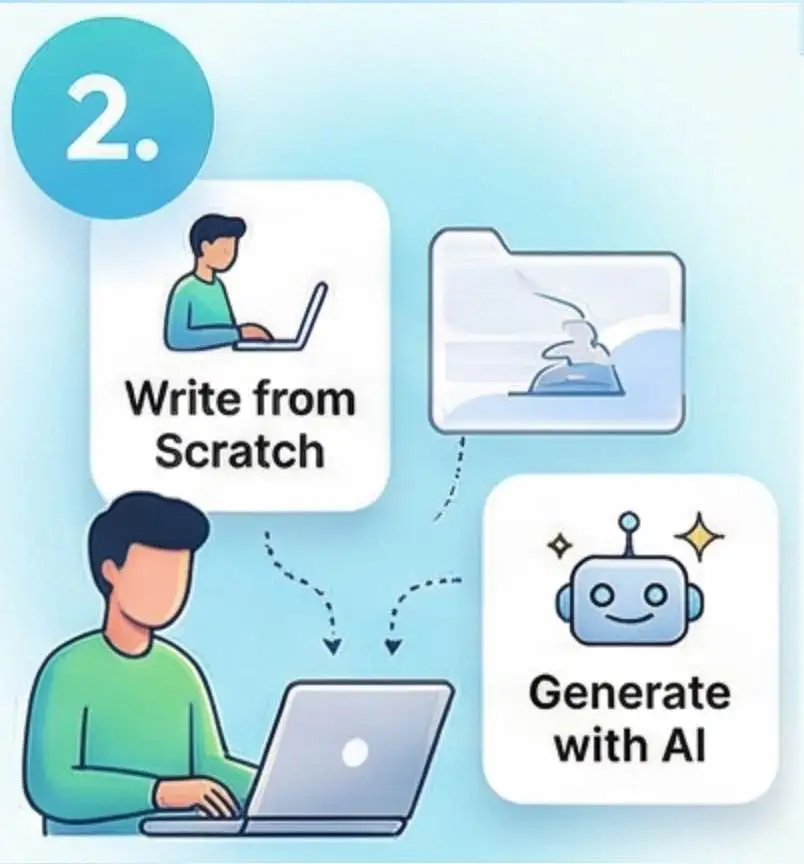
Craft your scenarios

Illustration of Step 2 in the Vivified AI video creation process showing options to write a video scenario from scratch or generate one with AI.s

Write your own scene or let our powerful AI create scenarios for you.

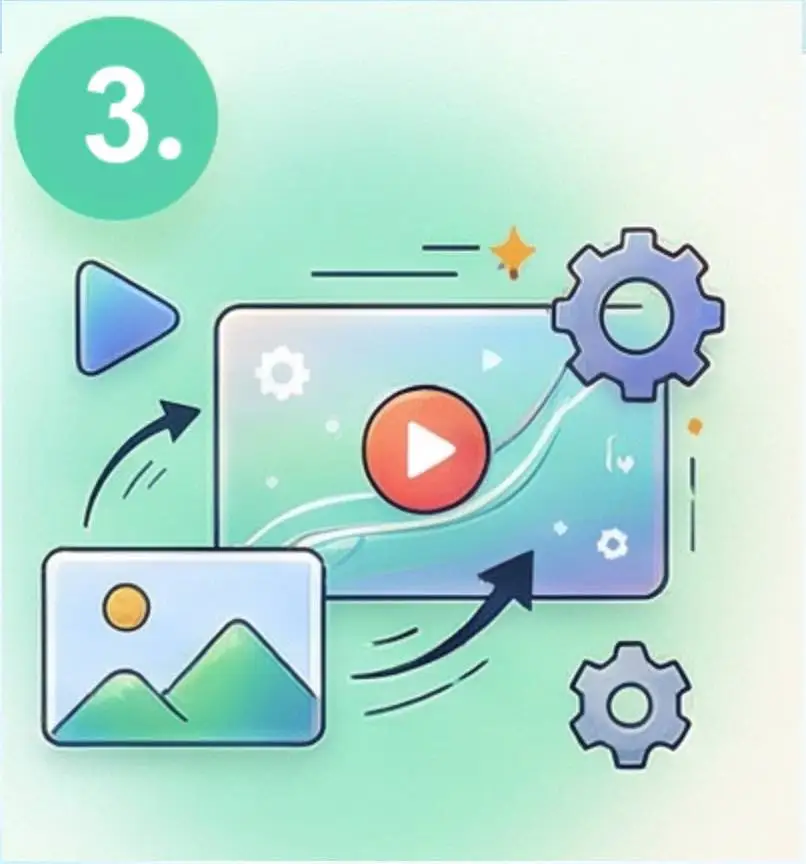
Animate scenes

Illustration of Step 3 in the Vivified AI video process: Transforming a static photo into a story-driven cinematic AI video clip using our generation engine.

Transform your static content into motion clips.

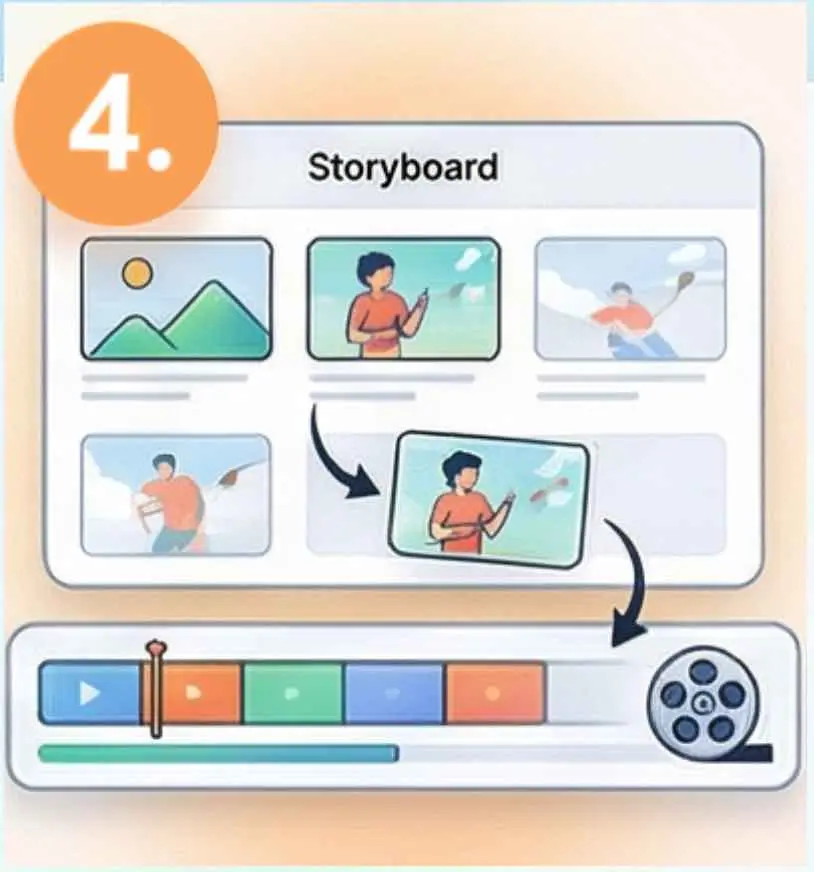
Combine into Movie

Illustration of Step 4 in the Vivified AI video process: Using a drag-and-drop storyboard interface to arrange and sequence multiple animated AI video clips into a final cohesive movie.

Drag, drop and sequence your animated clips into a video. Add soundtrack.

Common Questions

Everything you need to know about creating with Vivified.

What makes Vivified different from other AI video tools?

While most tools only animate single images, Vivified is built for Movie Assembly. We allow you to sequence multiple AI-generated clips into a full, high-definition movie with soundtracks and mixed aspect ratios, all in one workspace.

Do I have to pay a monthly subscription?

No. We believe in Pay-As-You-Go creativity. You purchase credits when you need them, and they stay in your account until you use them. No recurring fees, no hidden contracts, and no "subscription fatigue."

Are my private photos used to train AI models?

Absolutely not. Your privacy is our priority. We do not use your uploaded family archives or private media to train our public AI models. Your content remains yours.

How long do you keep my project files?

We operate on a 90-day retention policy. This gives you plenty of time to animate, assemble, and download your final movie. After 90 days, projects are automatically purged to ensure platform performance and data security.

Can I combine vertical and horizontal clips?

Yes! Our intelligent frame-fitting technology allows you to mix social-media-style vertical (9:16) clips with cinematic horizontal (16:9) clips in the same movie timeline seamlessly.